Send anything.
Files, whole folders, a link or some text. Drop them in, click to choose, or paste.
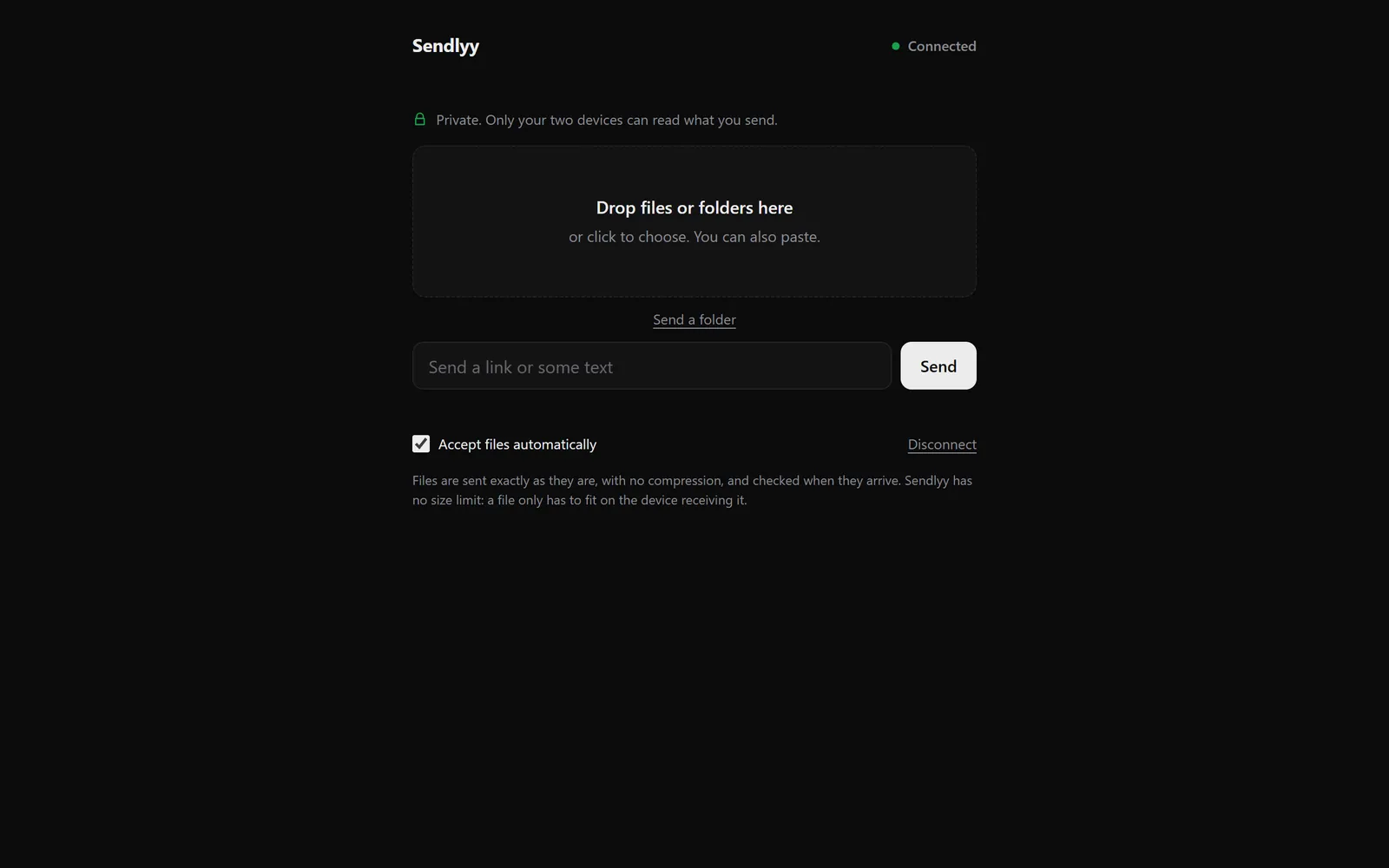
Sendlyy
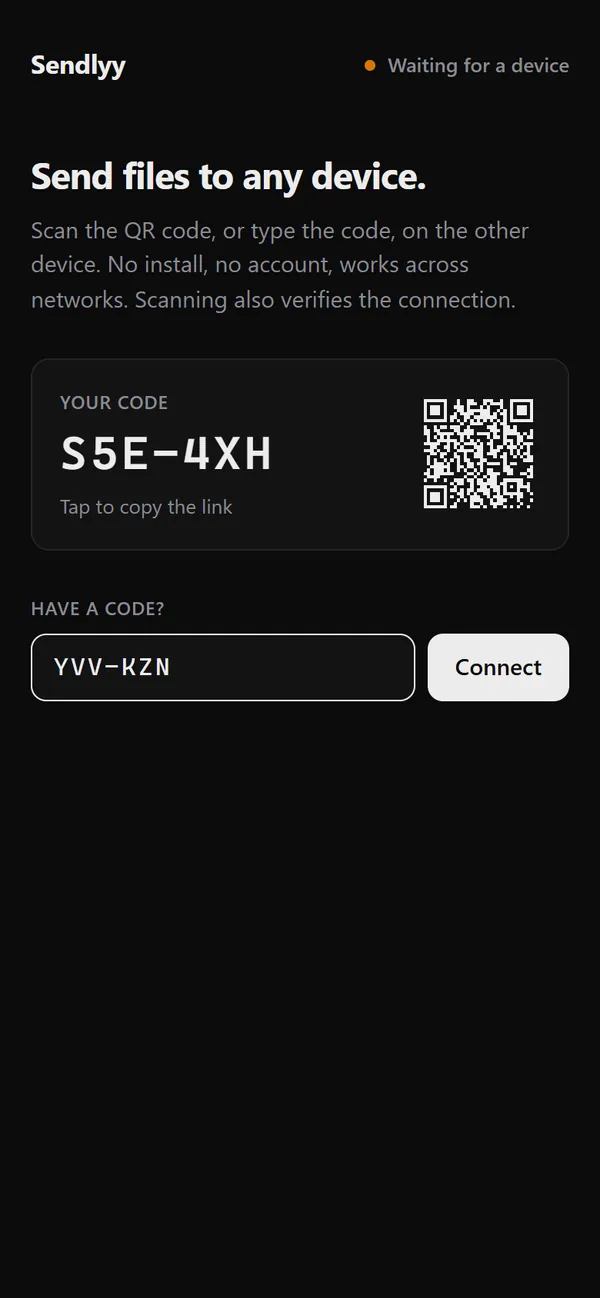
Open the site on both devices, scan the QR code, and send files, folders, links or text. It is end-to-end encrypted.
Free · Open source · Runs in your browser · No account
Files, whole folders, a link or some text. Drop them in, click to choose, or paste.
Type the six characters, or scan the QR code instead.
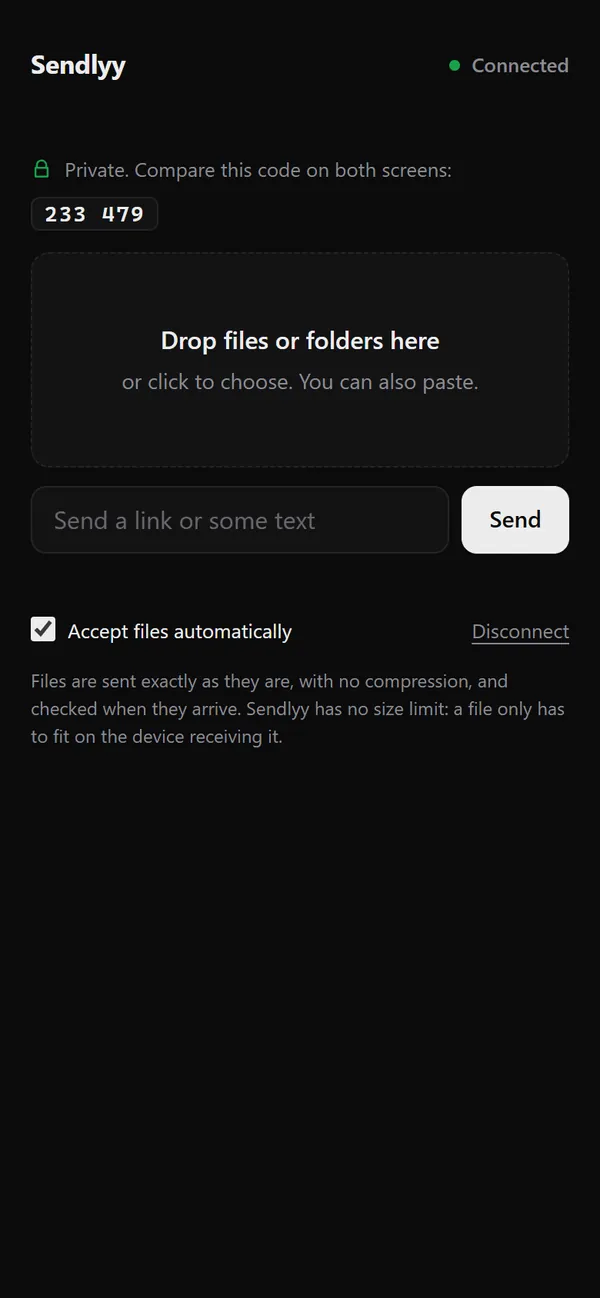
Pairing by typed code shows a short security code to compare on both screens.
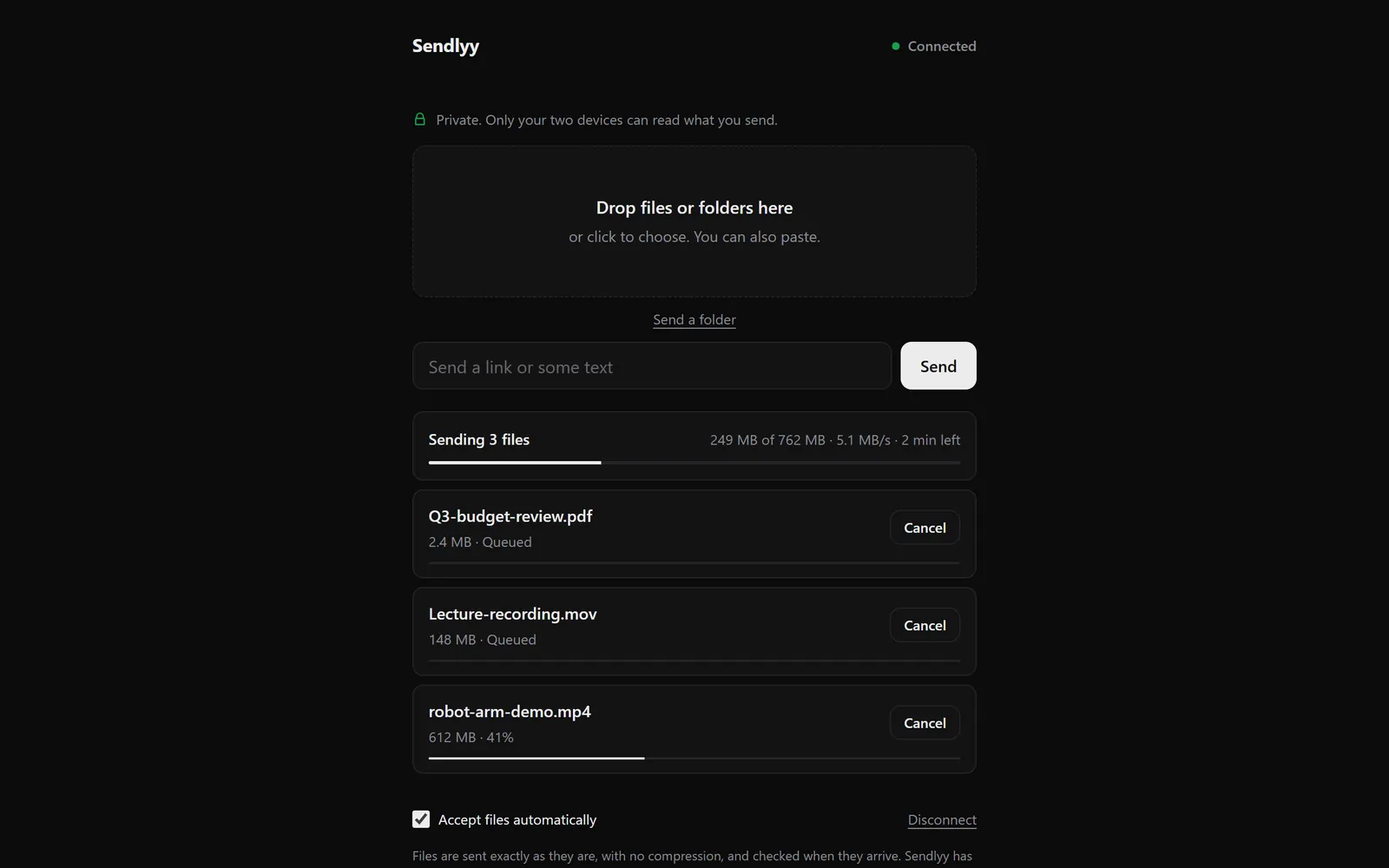
One bar for the whole transfer and one for each file. If the connection drops, it waits and continues.
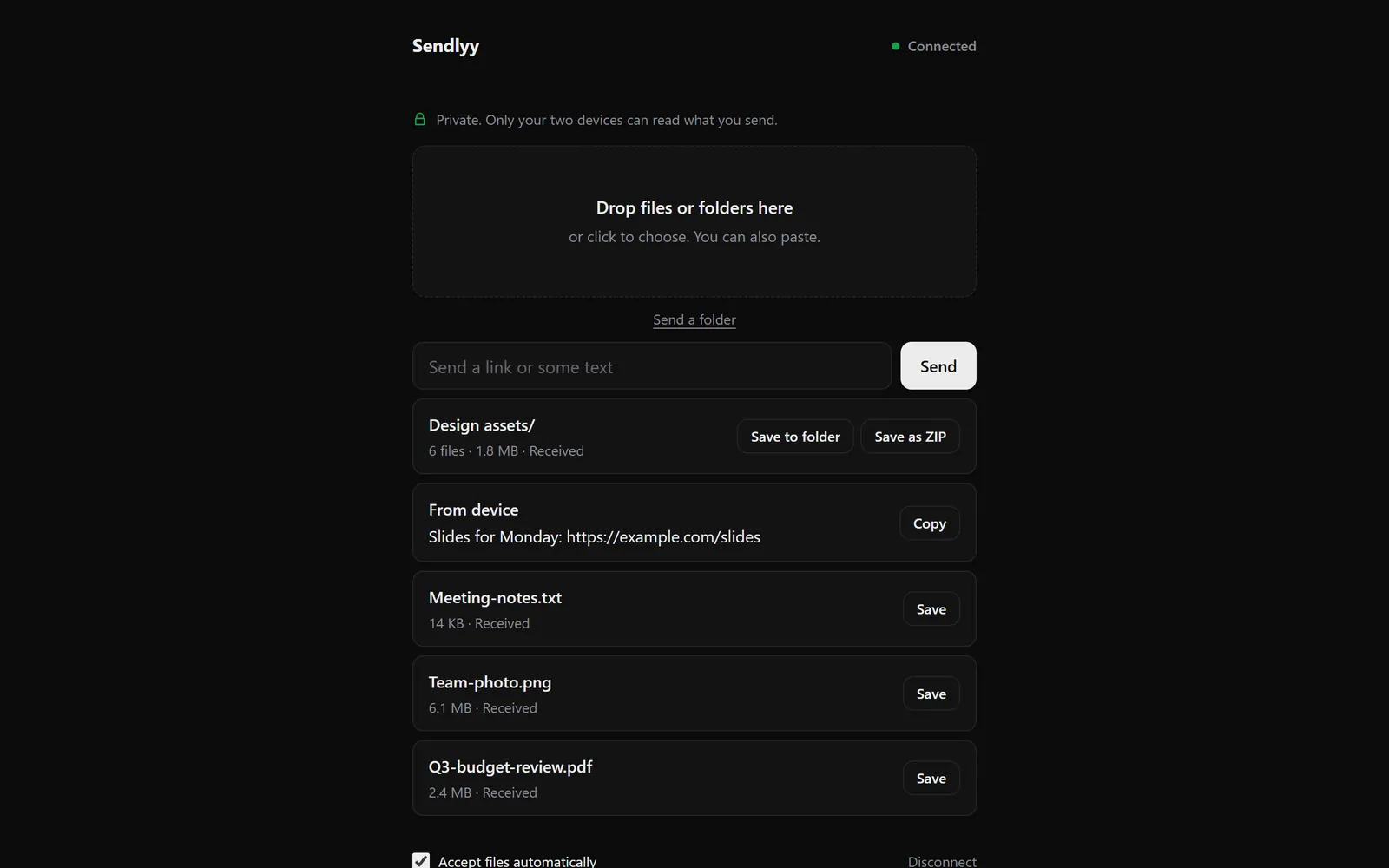
A received folder is one item. Save it to a folder or as a ZIP.
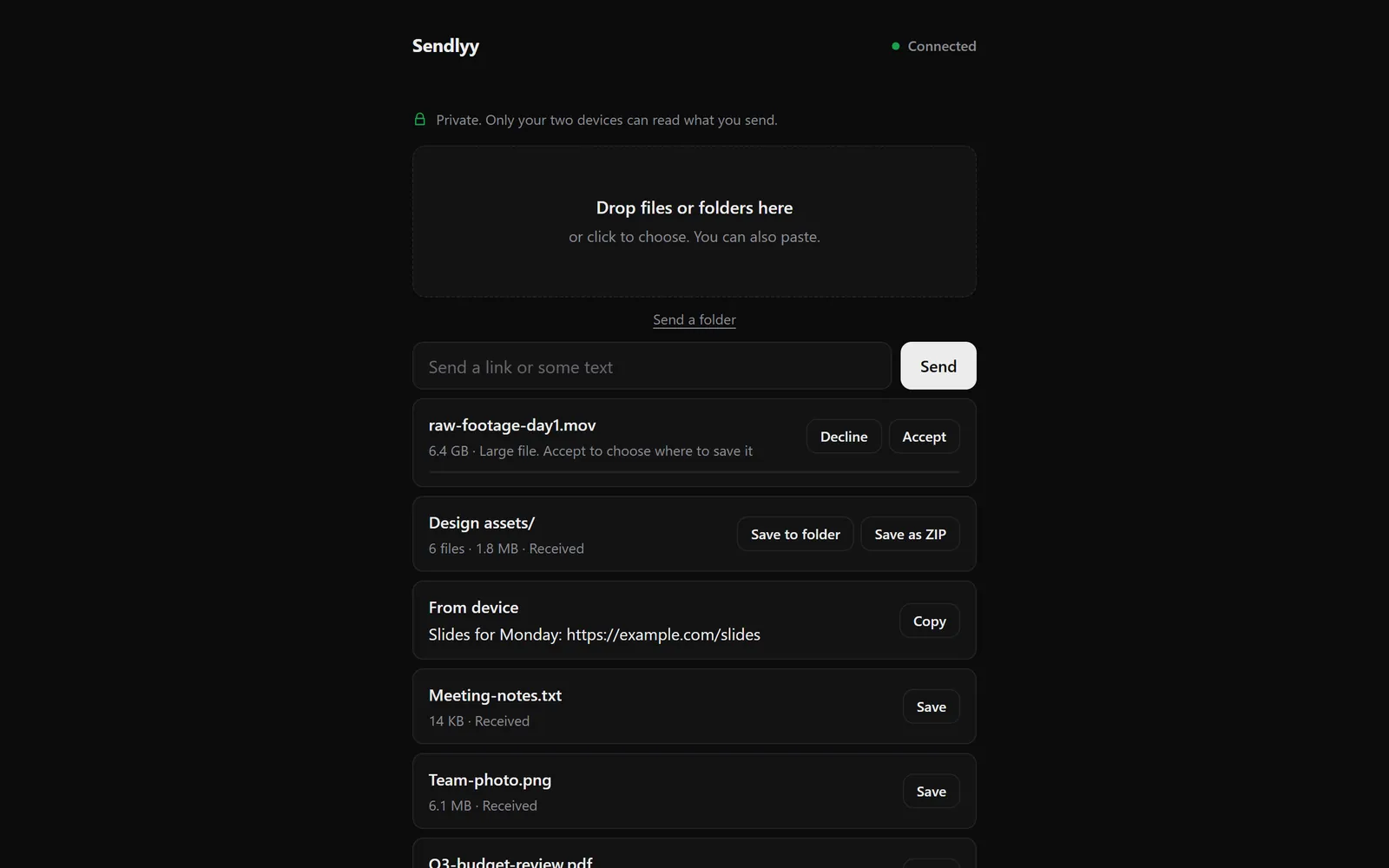
Over 4 GiB on desktop Chrome, it asks where to save before it starts.

Both devices need to be online at the same time.
Tested so far in Chrome on Windows 11. Phones have only been tried in Chrome’s phone emulator, and iPhone and Safari haven’t been tested, so tell me if something breaks. Report an issue · View the source · Privacy