Right to keep. Left to mark.
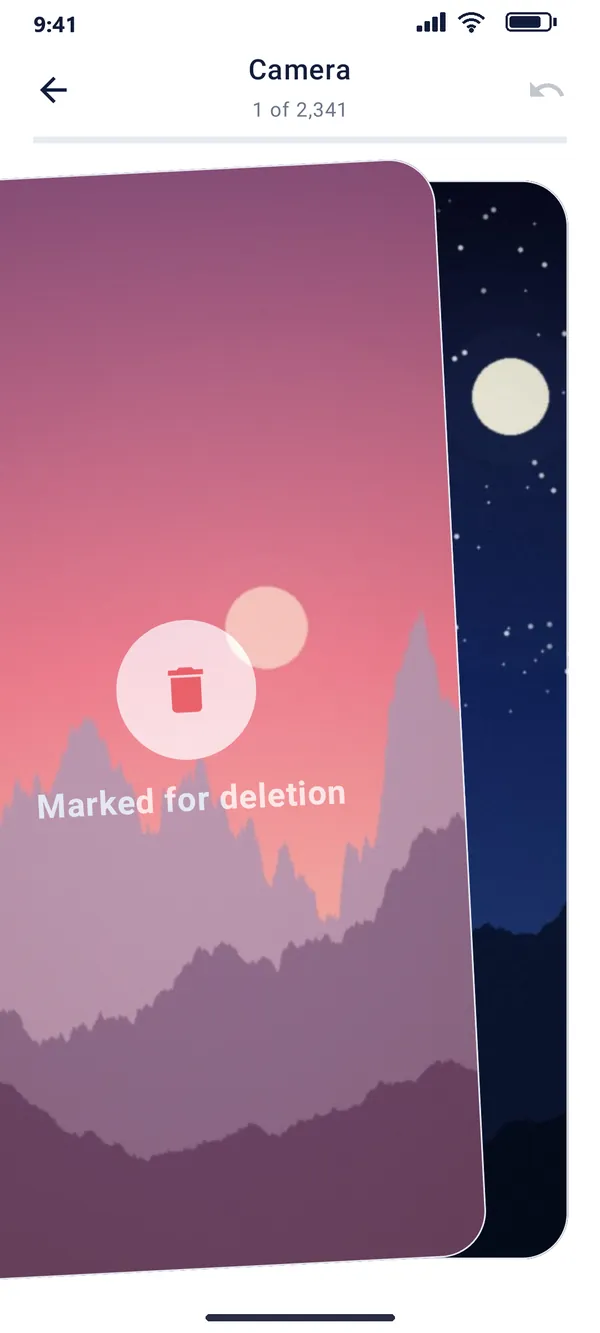
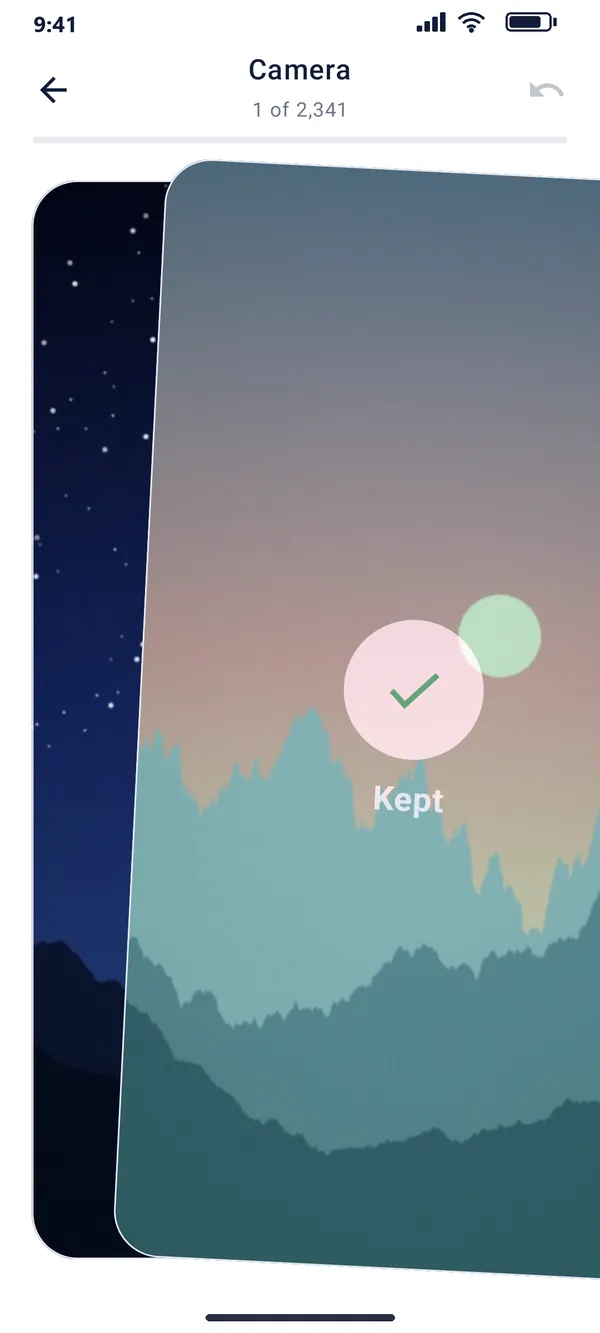
Drag a photo, and see it turn green or red as you go. A fast flick counts too, and you can undo the last swipe.
Miles Gallery Sorter
Swipe right to keep a photo, left to mark it for deletion. Nothing is deleted until you review and confirm.
Free · Open source · 100% offline · Android 11 or newer
 Welcome
Drag a photo, and see it turn green or red as you go. A fast flick counts too, and you can undo the last swipe.
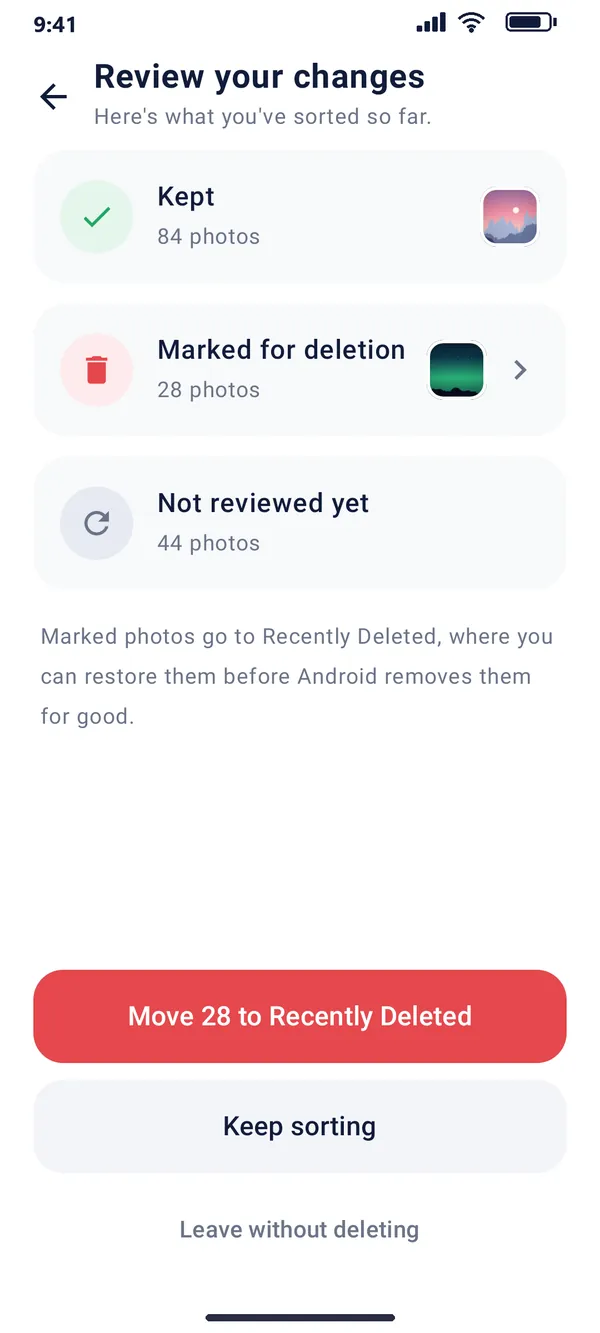
See what you kept, marked and have left, before anything moves.
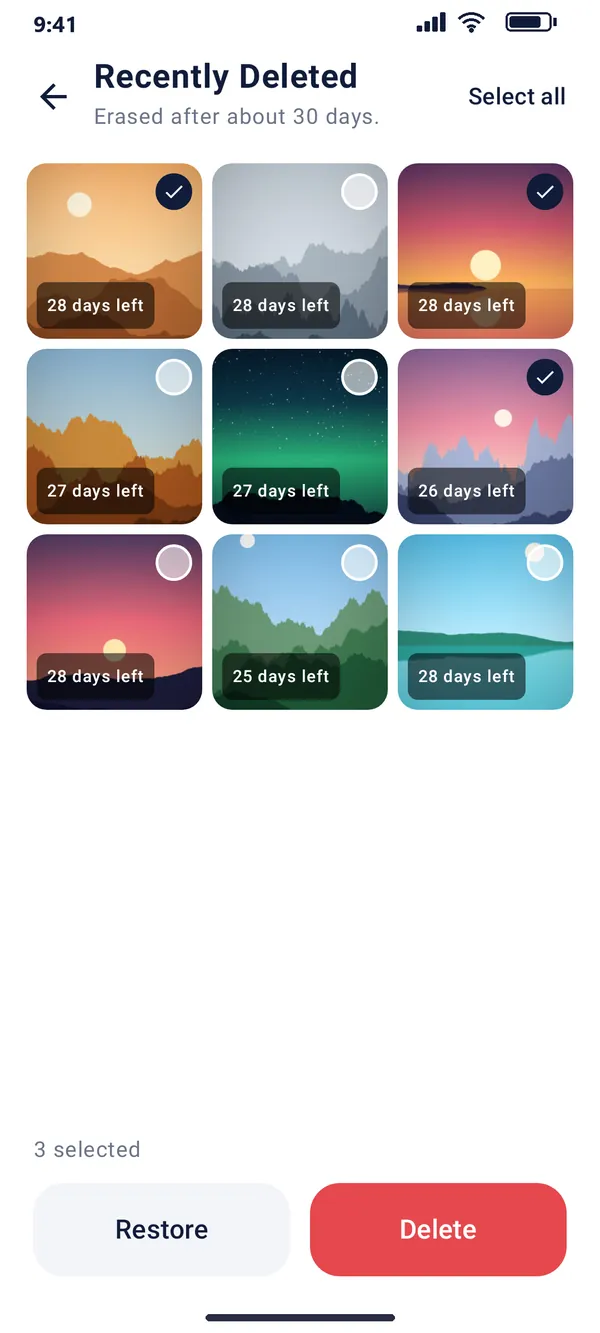
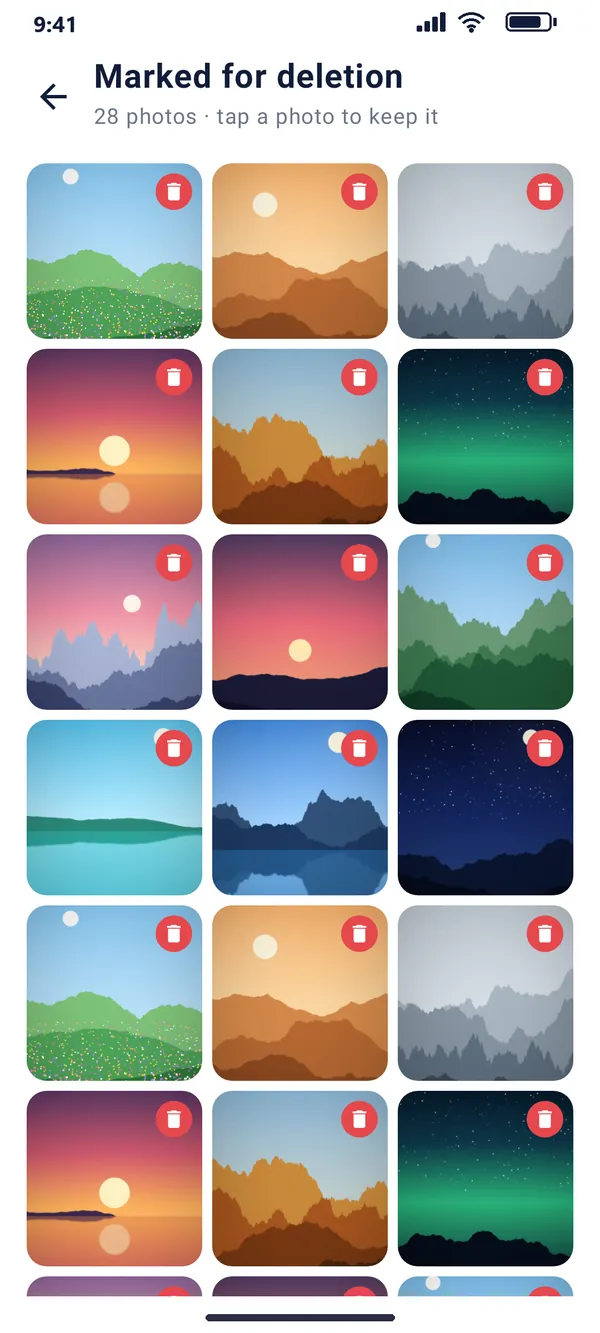
Tap the marked list to rescue photos. Deleted ones wait in Recently Deleted for about 30 days.
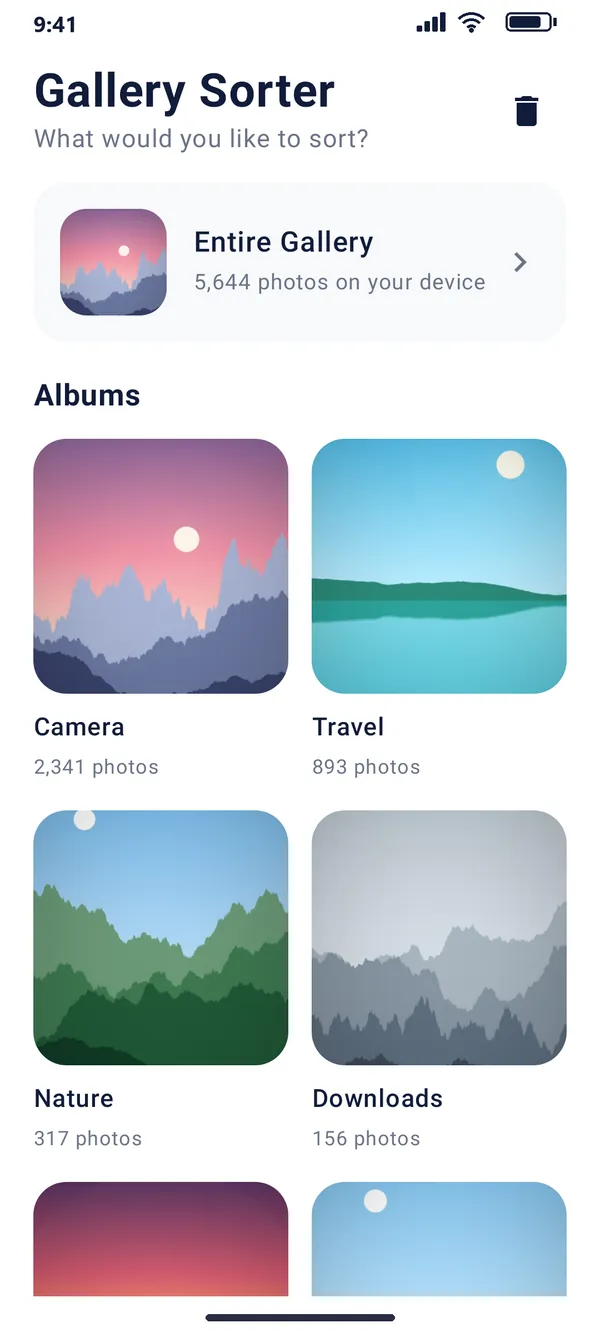
Sort your whole gallery or just one album.
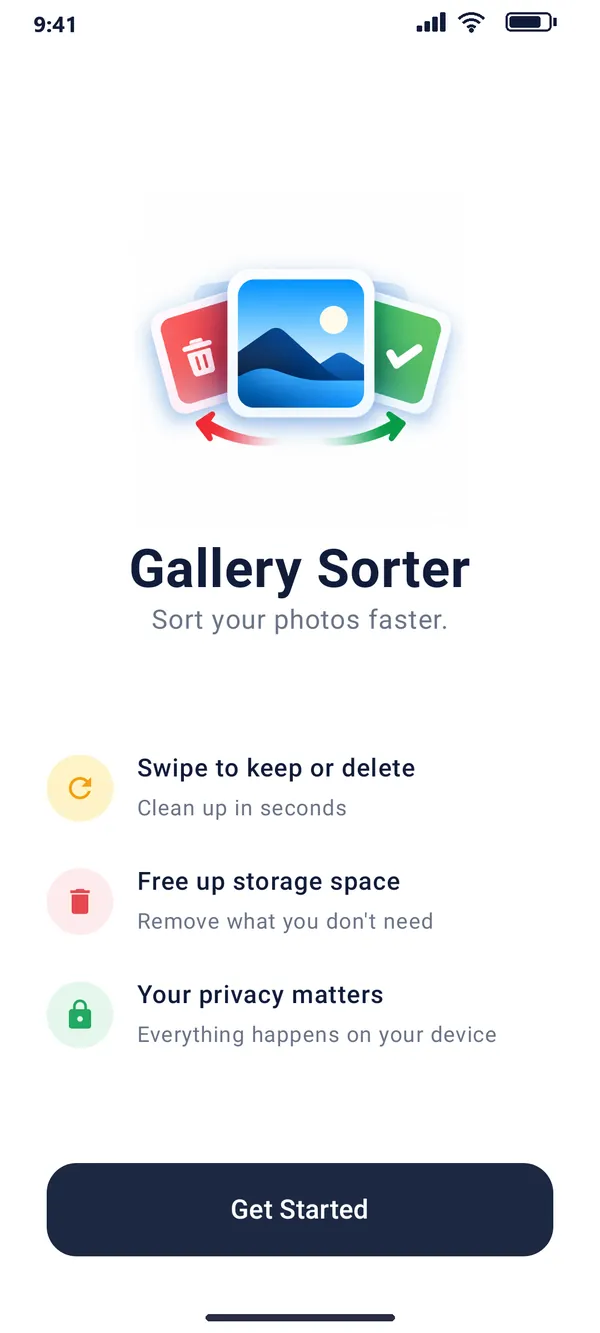
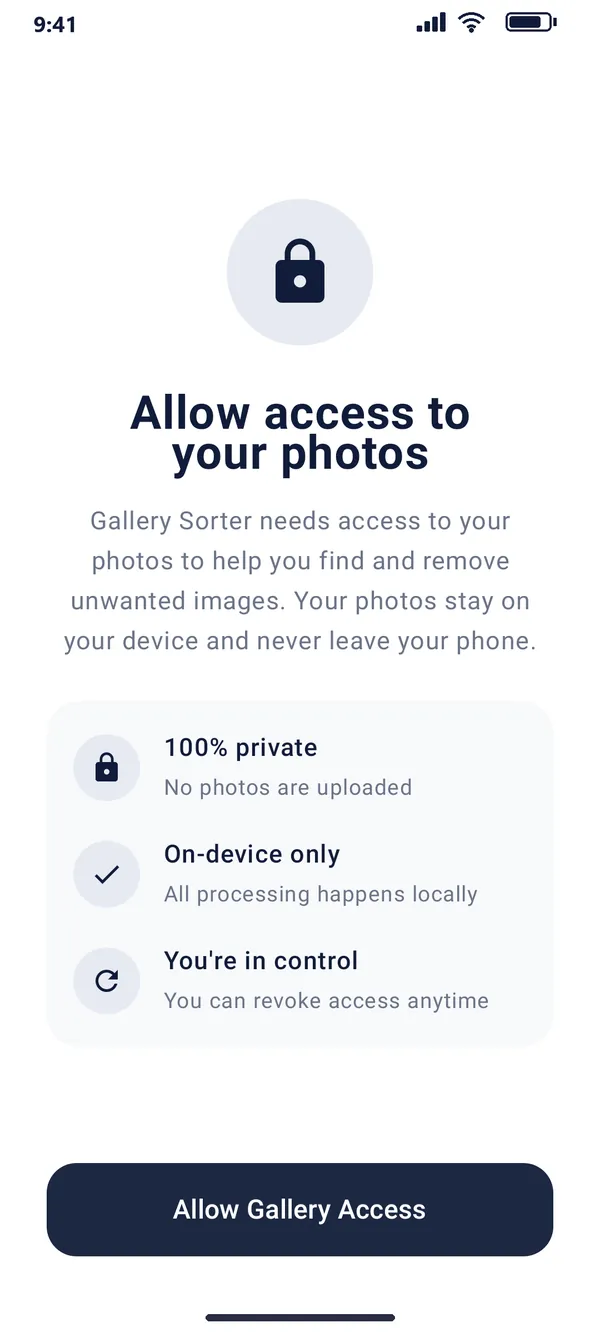
No internet permission, no accounts, no ads. Your photos never leave your phone.

It isn’t on the Play Store yet, so Android asks you to allow the install.
The app is installed outside the Play Store and signed with a developer key, so Android shows a warning. It’s open source, so you can read exactly what it does. View the source