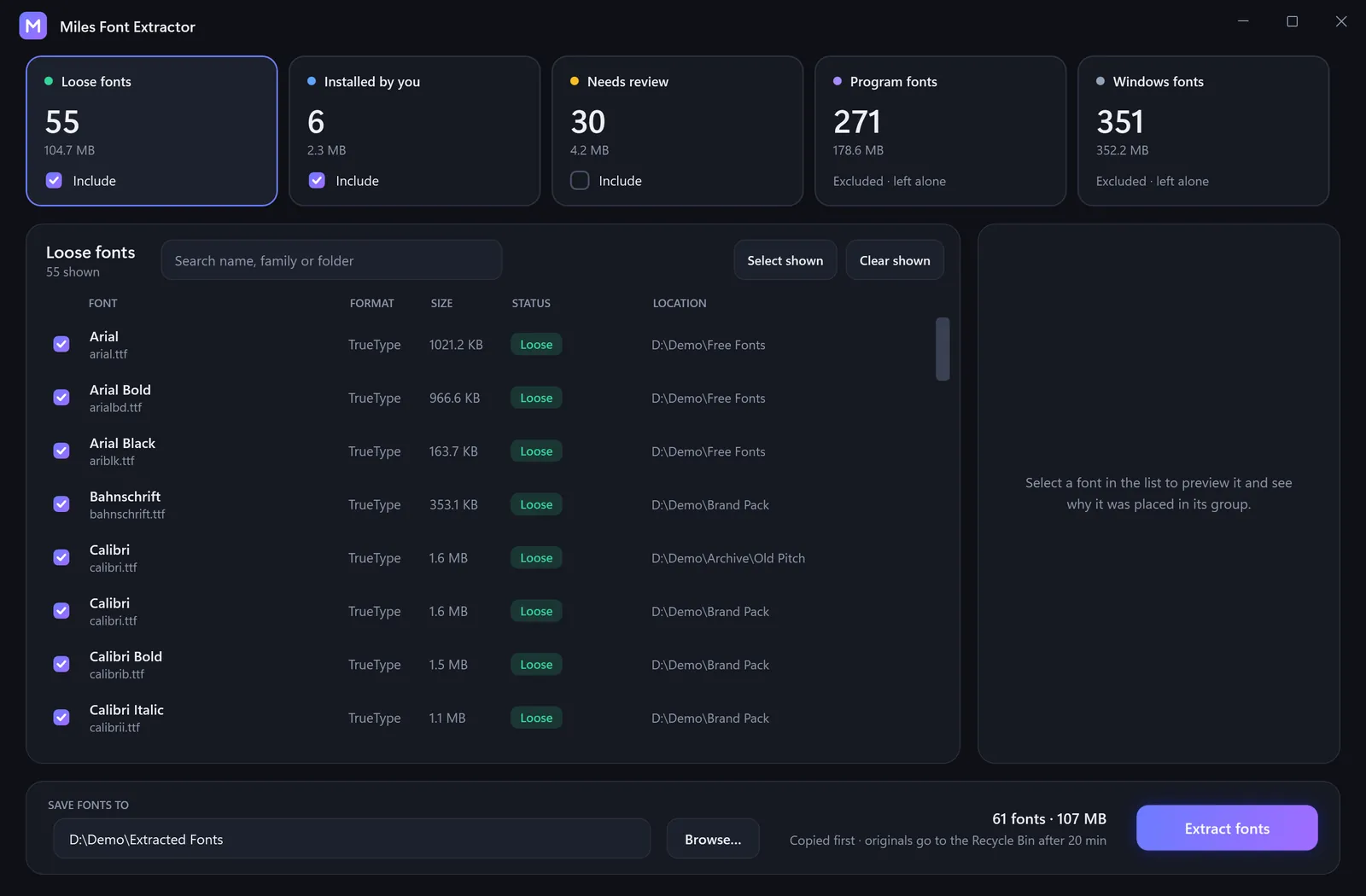
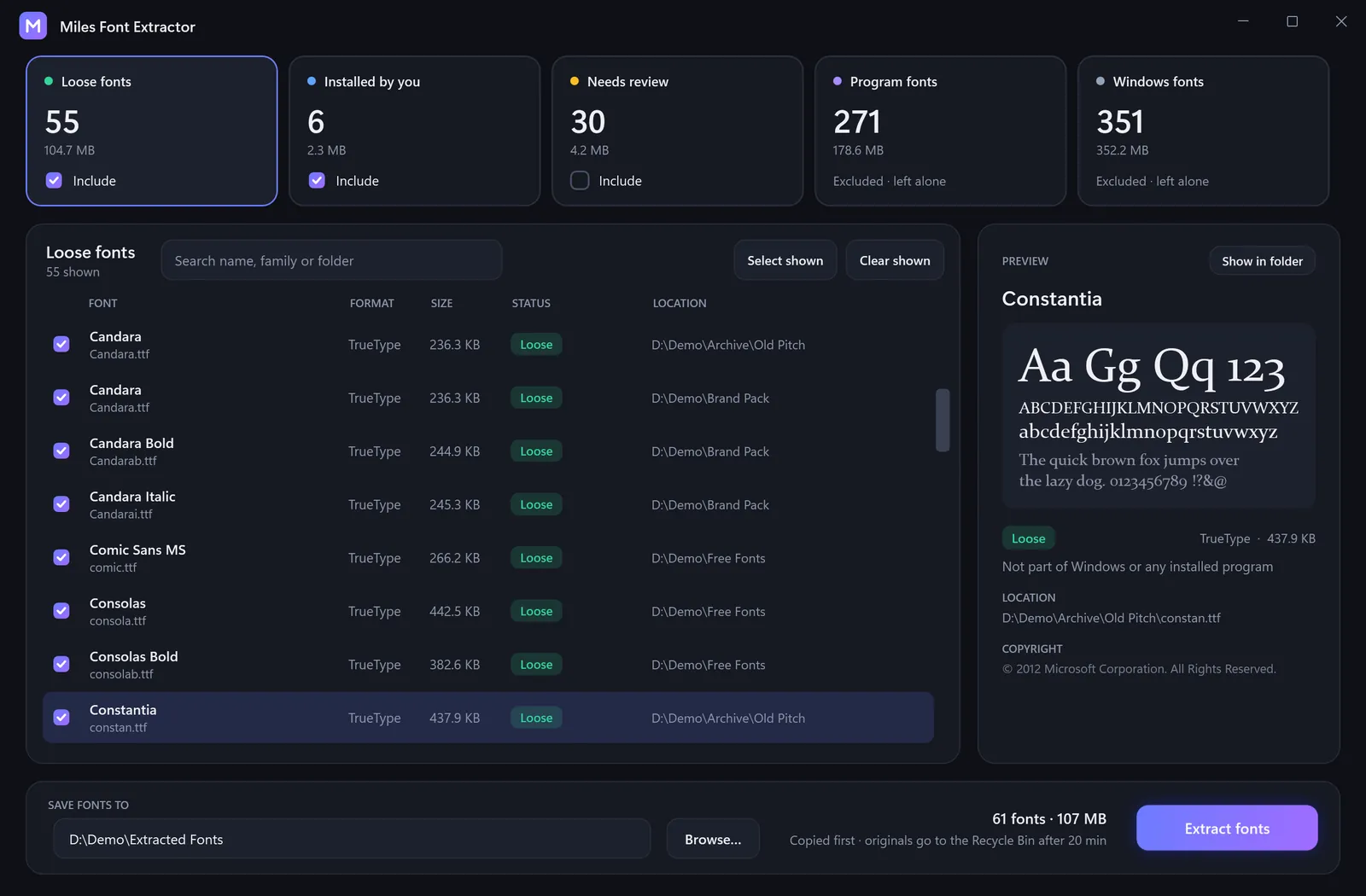
Sorted into five groups.
Loose fonts and fonts you installed are ready to extract. Anything uncertain lands in Needs review, unticked. Windows and program fonts are left alone.
Miles Font Extractor
A Windows app that finds the font files scattered across your PC and gathers them in one place. Every copy is verified before anything is removed.
Free · Open source · Works offline · Windows 64-bit
 Home
Loose fonts and fonts you installed are ready to extract. Anything uncertain lands in Needs review, unticked. Windows and program fonts are left alone.
Preview any font and read why it was grouped, with its path and copyright.
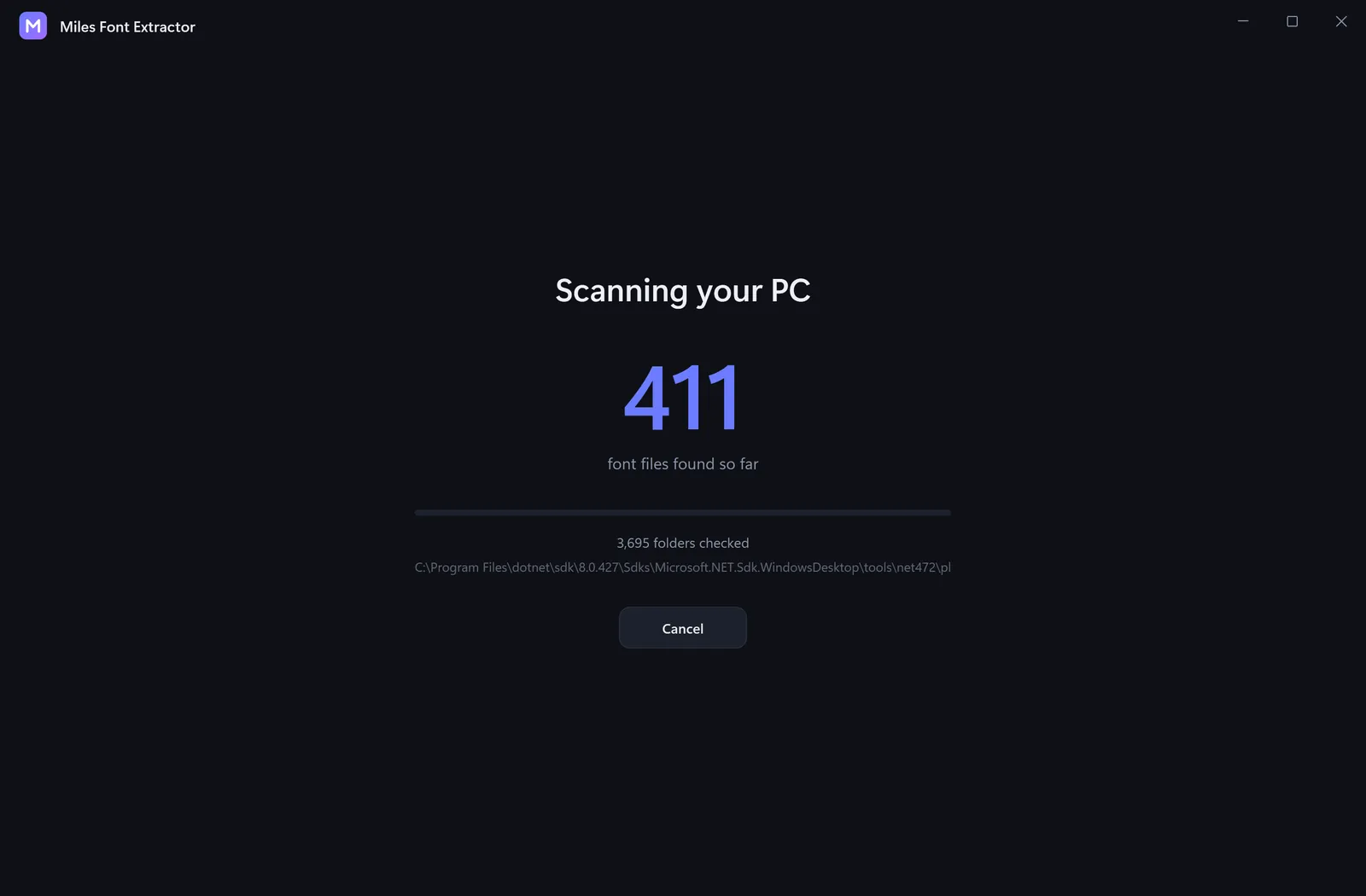
Fonts found, folders checked and the current path, as it goes.
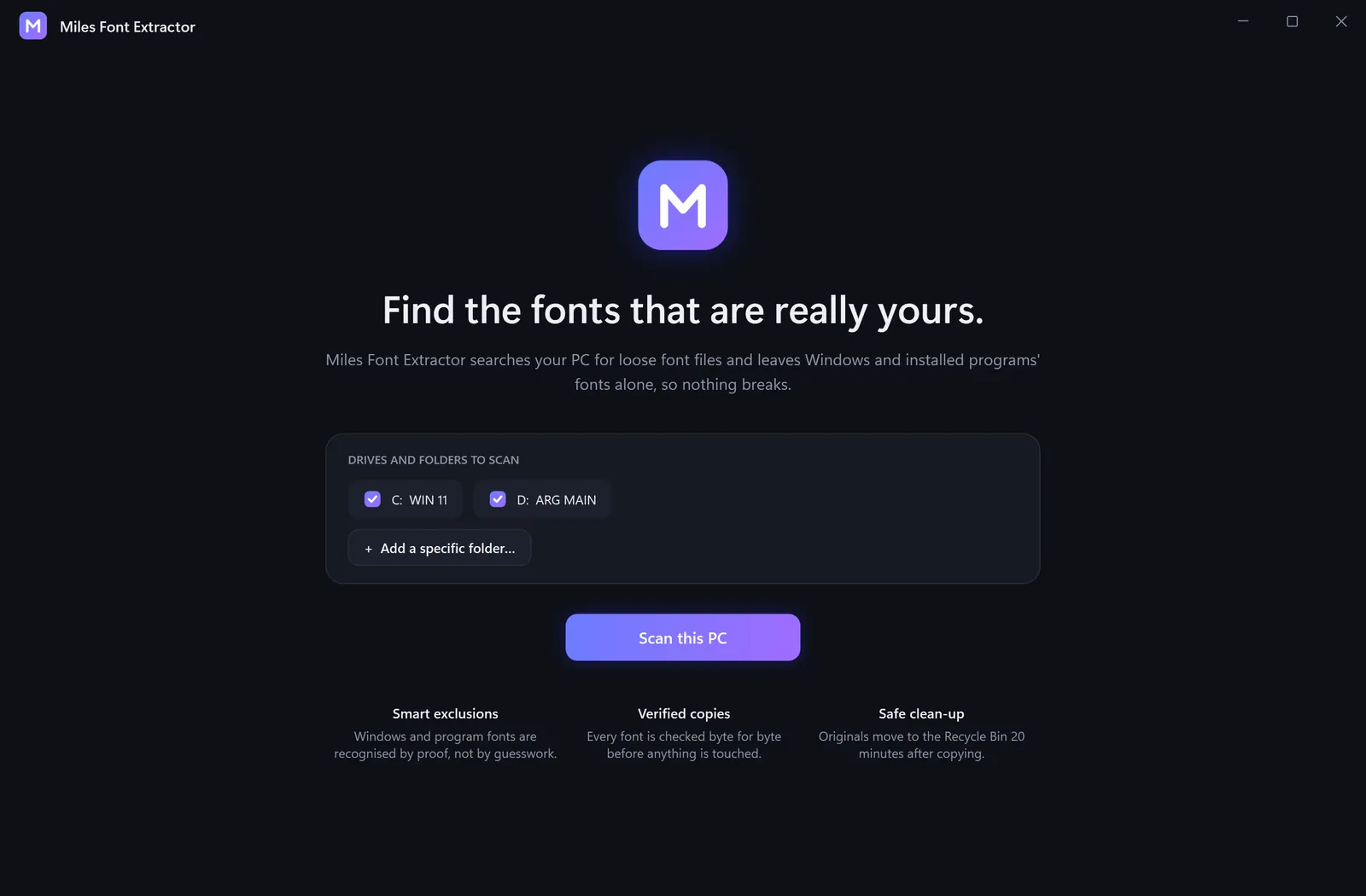
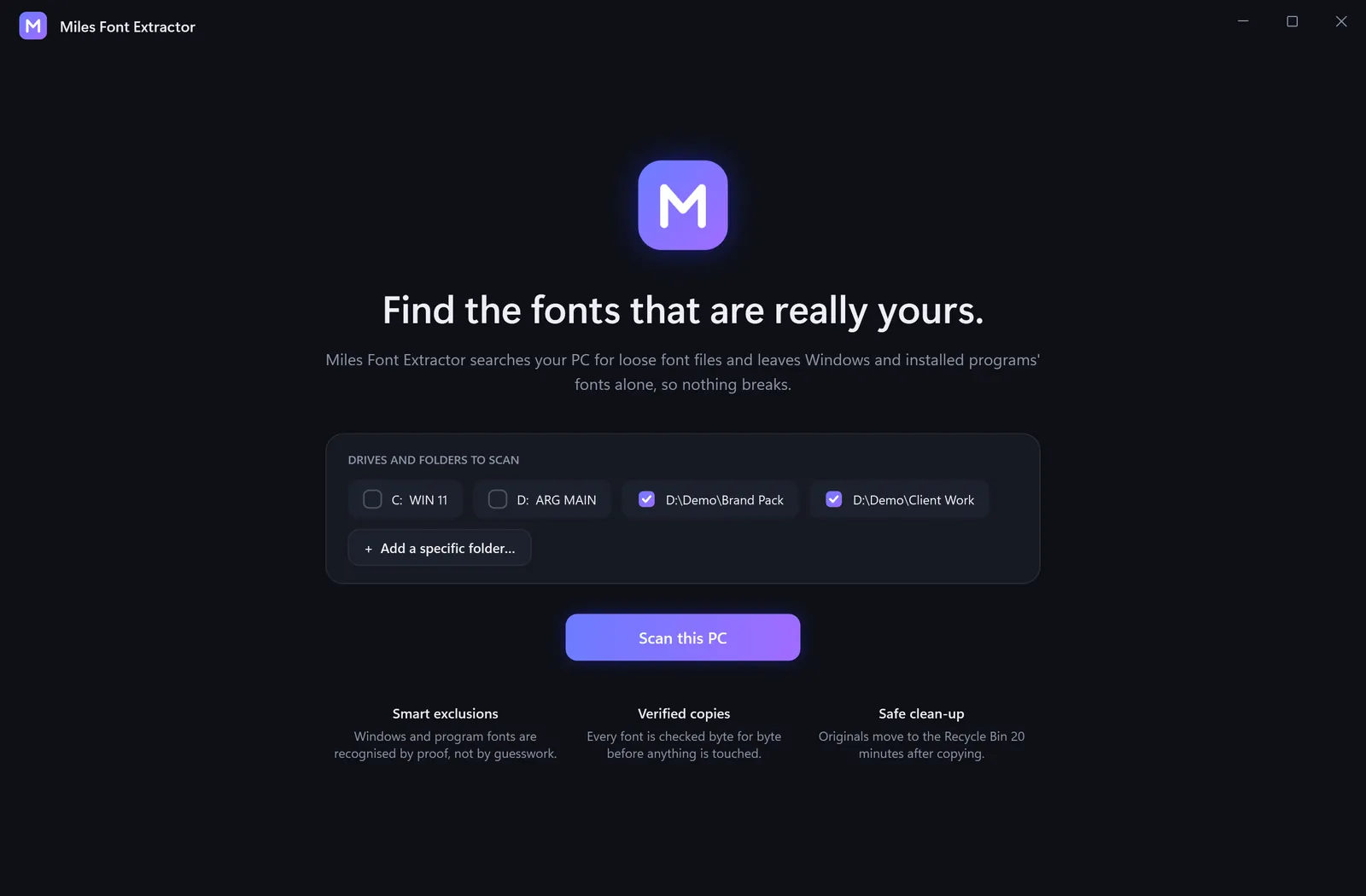
Pick whole drives, or add a specific folder and be done in seconds.
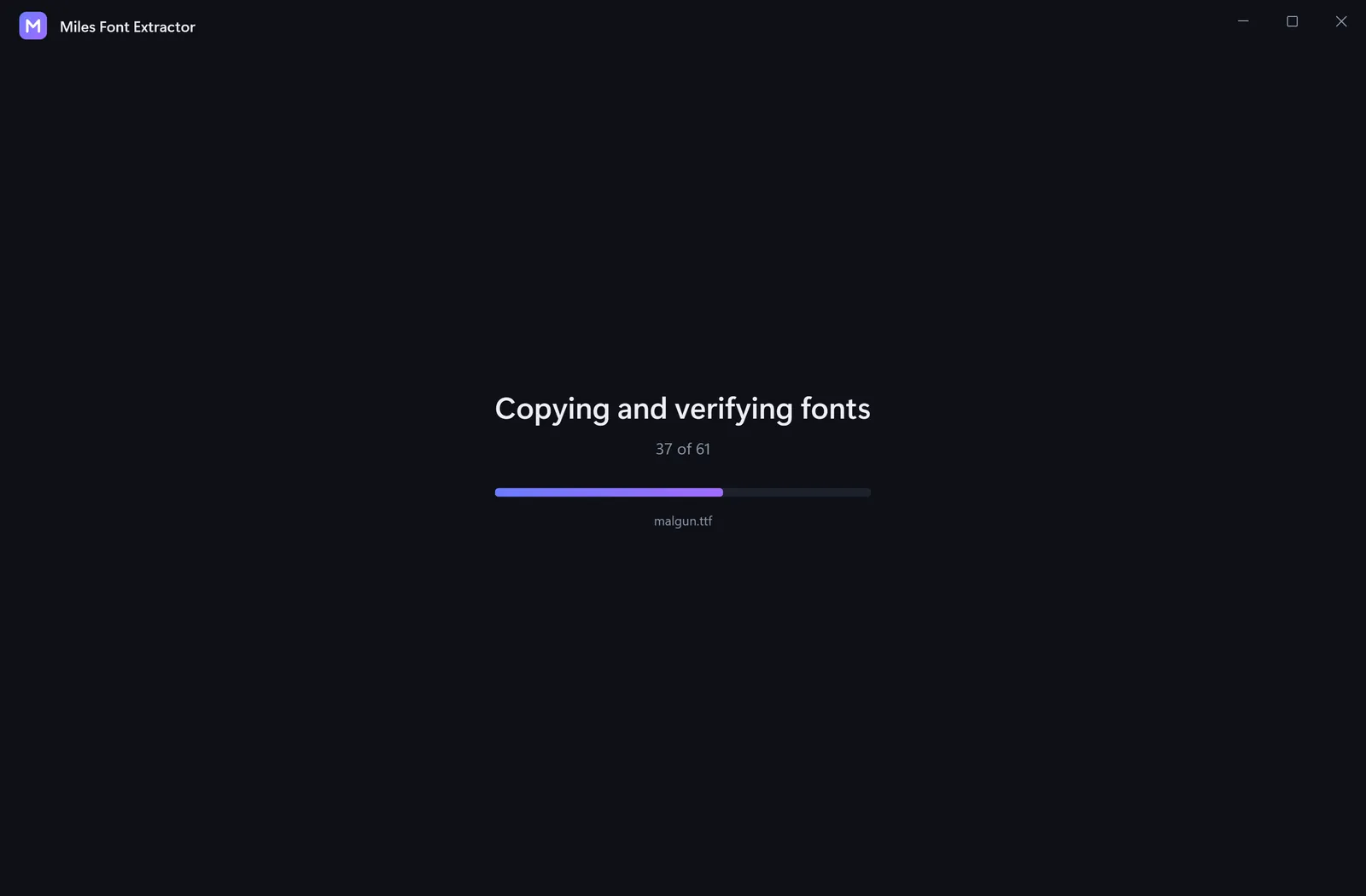
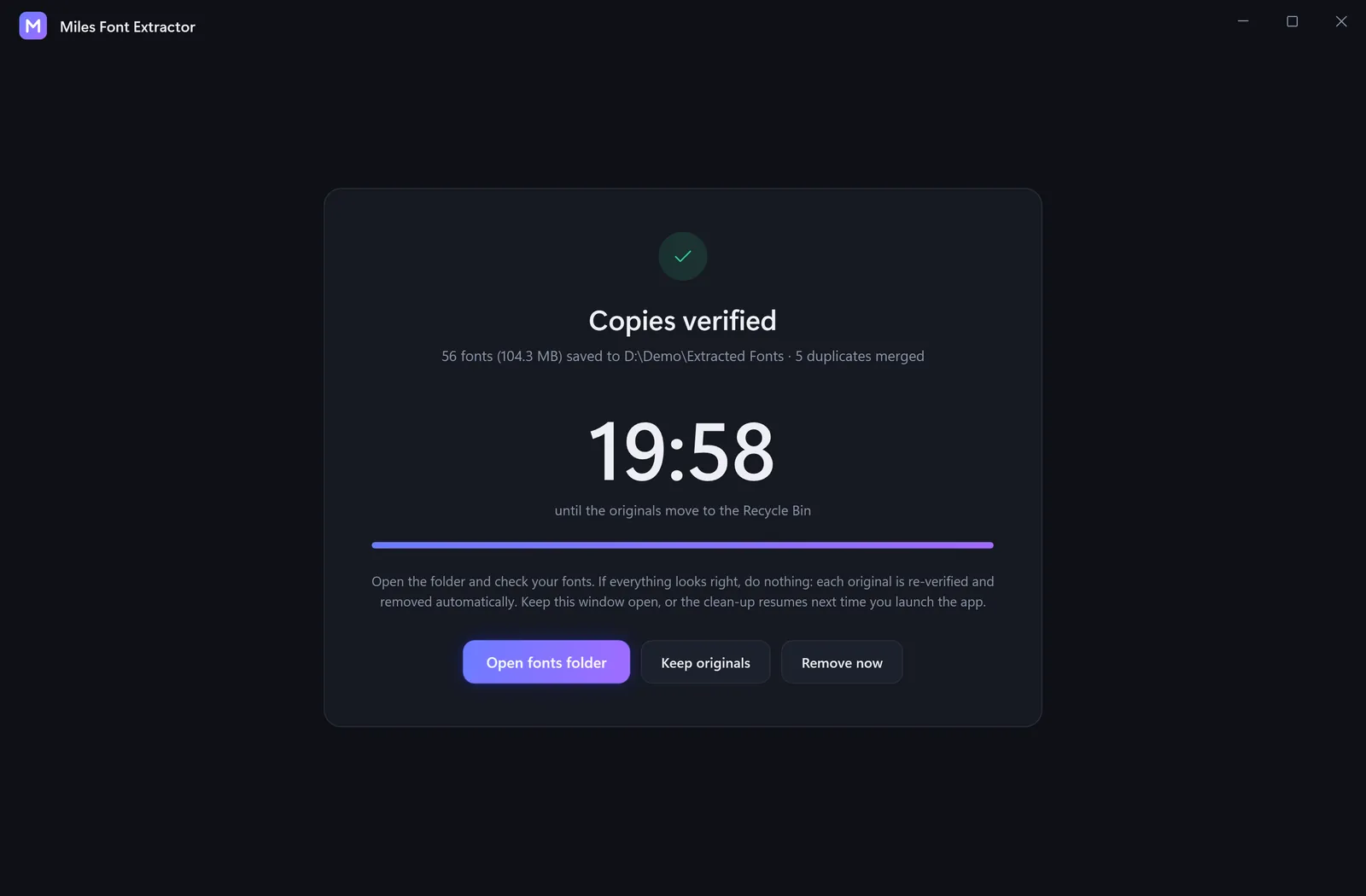
Duplicates are merged and every copy is checked. Originals go to the Recycle Bin after 20 minutes, or you keep them.
See what was removed, kept or could not be removed, and keep the CSV log.

Windows may warn the first time because the installer is not code-signed yet. Choose More info → Run anyway. It is open source, so you can read exactly what it does. View the source