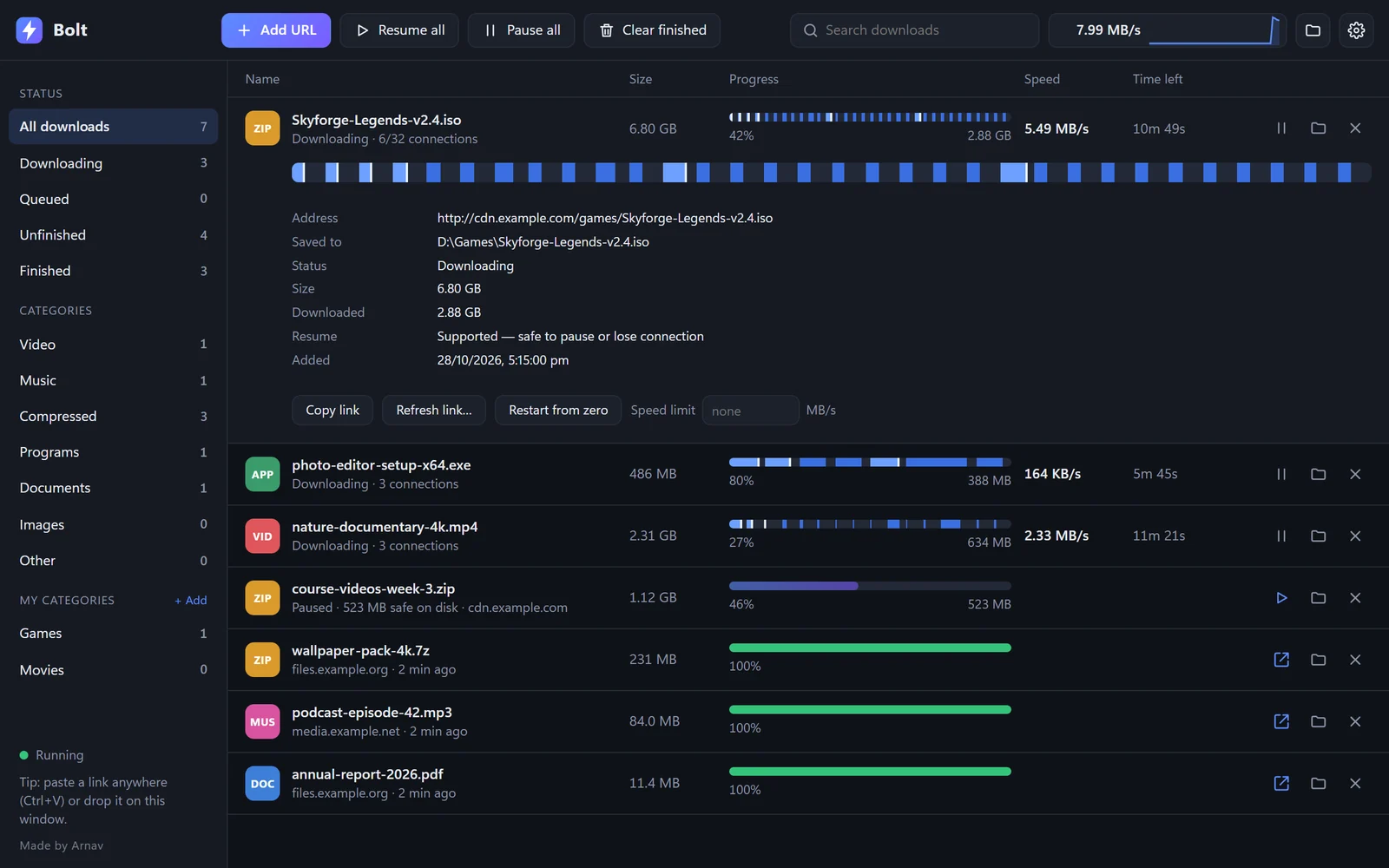
Up to 32 connections per file.
Bolt splits a file into pieces and downloads them at the same time. Pick Normal, Fast, Ultra or Max, or let it choose by file size.
Bolt Download Manager
A free download manager for Windows. Up to 32 connections per file, and it continues from where it stopped if the connection drops.
Free · Open source · No ads · Windows 64-bit
Bolt splits a file into pieces and downloads them at the same time. Pick Normal, Fast, Ultra or Max, or let it choose by file size.
Wi-Fi drops, sleep, crashes, restarts. Bolt keeps what is already on disk and continues. Link expired? Paste a new one.
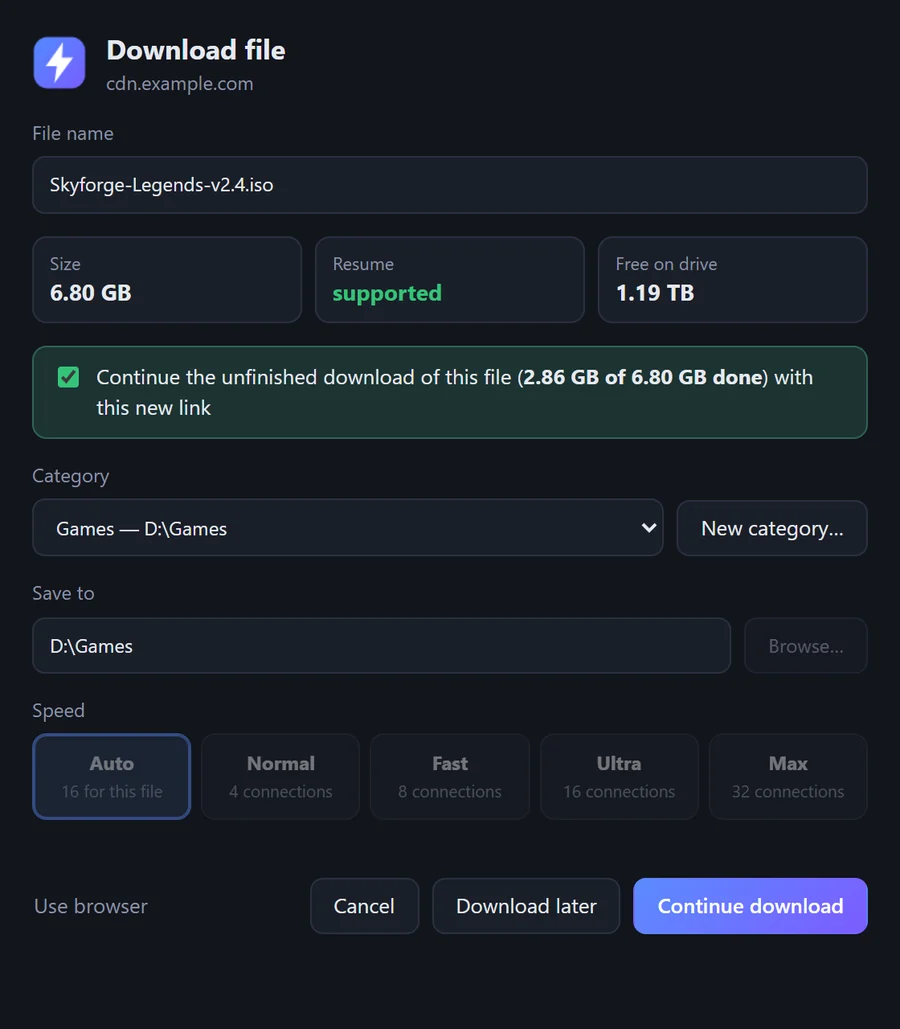
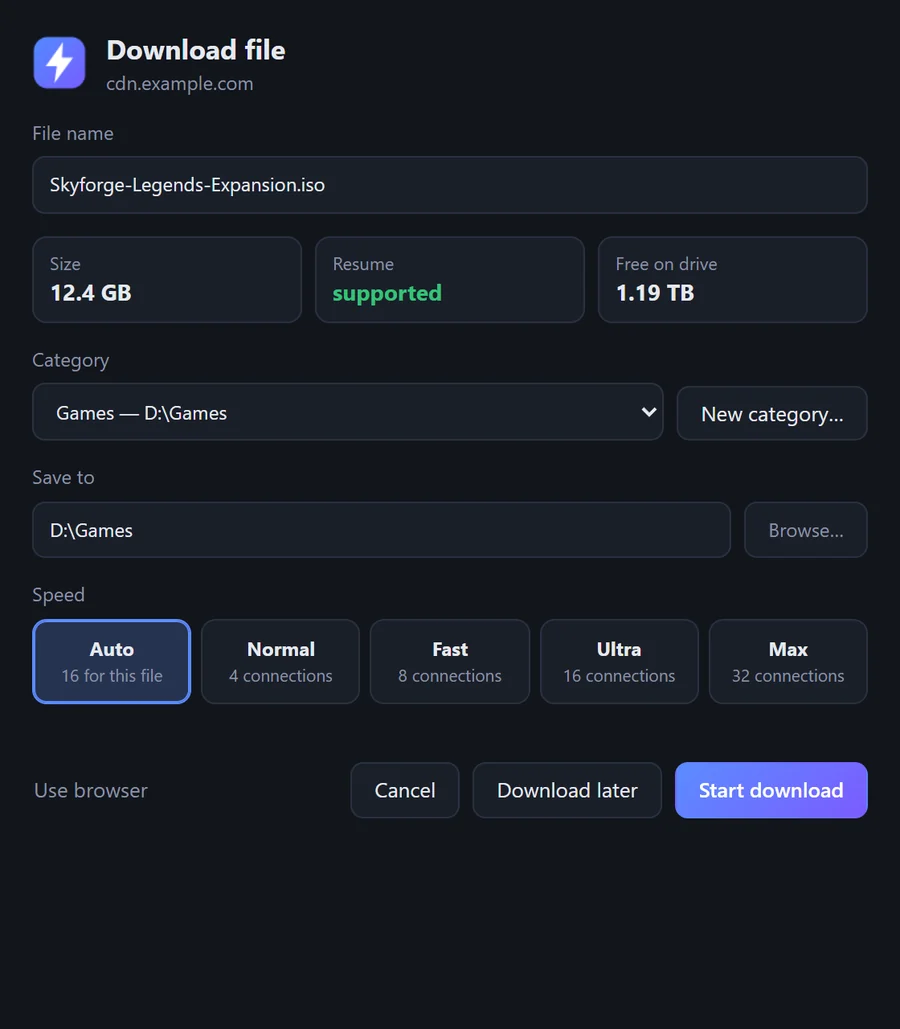
Click download as usual in Chrome, Edge or Brave. Bolt takes over and lets you choose the folder and speed.
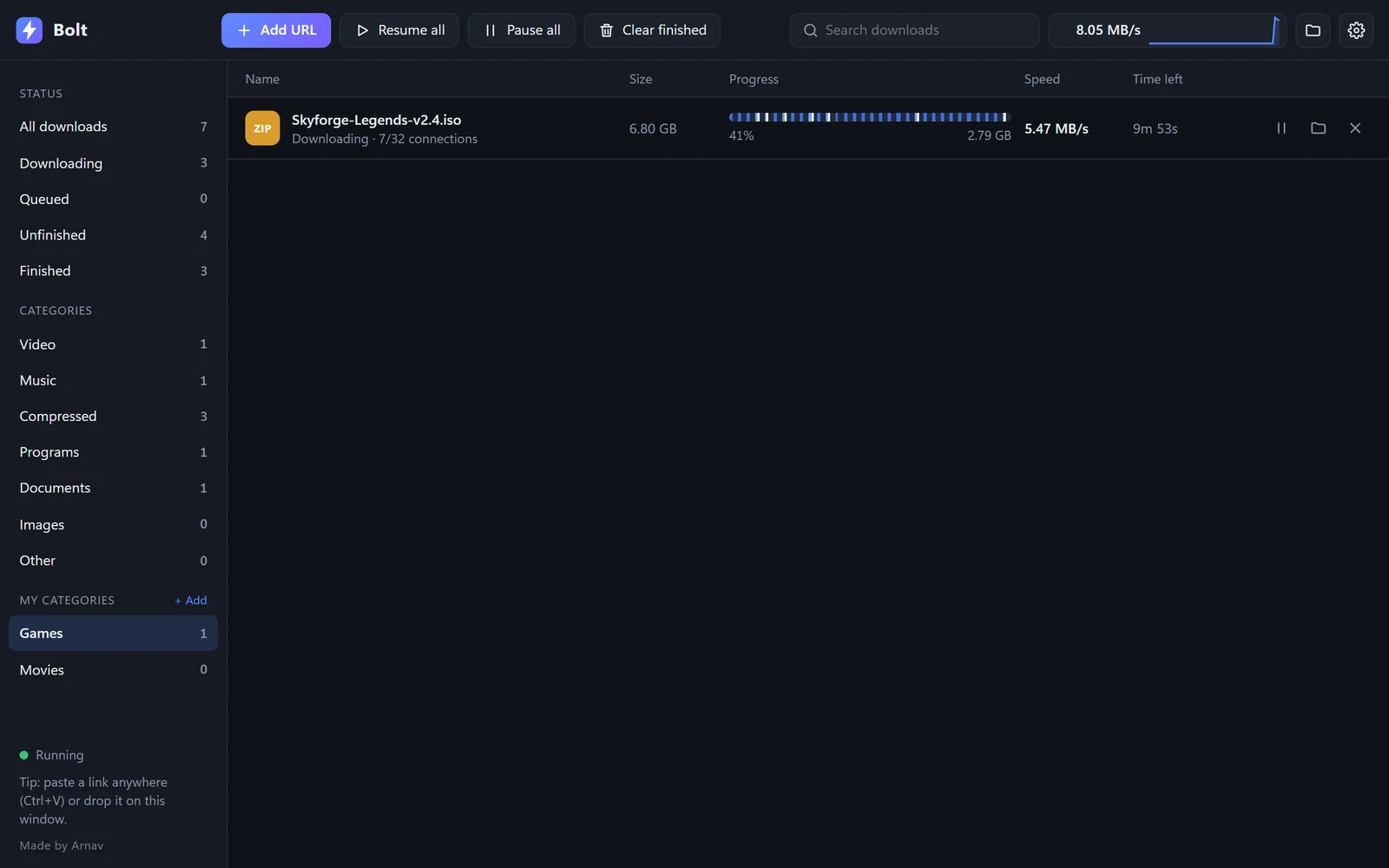
Make a category like Games, point it at a folder, and matching files go straight there.

For Chrome, Edge and Brave (version 116 or newer). It isn’t in the Chrome Web Store yet, so you add it yourself.
edge://extensions or chrome://extensions and turn on Developer mode.Windows may warn the first time because Bolt is new and not yet code-signed. Choose More info → Run anyway. It is open source, and the release was scanned with Microsoft Defender. View the source